
Which One Tool Should You Use?
The best AI image generator overall is Nano Banana Pro (Google Gemini). Adobe Firefly is best for commercially safe work, Midjourney is best for artistic results, Canva Magic Media is best for beginners, and FLUX or Stable Diffusion models are best for customization and control.
AI image generators have gone from novelty to everyday tool. Marketers use them for ad creatives, bloggers use them for featured images, designers use them for concept art, and small business owners use them to produce social media posts in minutes. But the market is crowded, and every tool claims to be the best. The truth is that the right choice depends on what you want to create, how much control you need, and whether the images will be used commercially.
This guide breaks down five of the strongest options, explains who each one suits, and helps you pick the right tool without wasting hours on trial and error.
Quick Comparison Table
| Tool | Best For | Standout Strength |
| Nano Banana Pro (Gemini) | Best overall | Realistic details, text in images, character consistency |
| Adobe Firefly | Professionals and businesses | Commercially safe, licensed training data |
| Midjourney | Artistic and creative work | Unique styles, abstract concepts, storyboarding |
| Canva Magic Media | Beginners | Simple interface, direct design integration |
| FLUX / Stable Diffusion | Advanced users | Granular control, cinematic lighting, realistic skin |
What Makes a Great AI Image Generator?
Before comparing tools, it helps to know what separates a good generator from a mediocre one. Five factors matter most.
Image quality and realism:
Hands, faces, textures, and lighting are where weaker models give themselves away. A strong generator produces images that look natural without obvious distortions.
Text rendering:
For years, AI images turned any written words into gibberish. Tools that can place clear, accurate text inside an image are far more useful for posters, thumbnails, banners, and infographics.
Consistency:
If you are building a comic, a brand mascot, or a story, you need the same character to look recognizable from one image to the next.
Commercial safety:
If you plan to sell products, run ads, or publish client work, you need confidence that the images will not create copyright trouble.
Ease of use and control:
Beginners want a simple interface. Advanced users want deep settings. Few tools excel at both, which is why different tools win in different categories.
1. Nano Banana Pro (Google Gemini): Best Overall
Nano Banana Pro is Google’s image generation model, available through Gemini. It earns the top spot because it handles the three things other generators most often struggle with: realistic detail, readable text, and consistent characters.
Key strengths:
- Realistic details: Images look natural and well-composed, with convincing textures and lighting.
- Complex text rendering: It can place readable text inside graphics, which makes it suitable for posters, banners, social media visuals, and product mockups.
- Character consistency: It can keep the same character looking similar across multiple images, which helps with stories, brand mascots, and comics.
Because it sits inside Gemini, you can describe what you want in plain conversation and refine the result with follow-up instructions. That conversational approach is friendly for newcomers, yet the output quality satisfies experienced creators too.
Because it sits inside Gemini, you can describe what you want in plain conversation and refine the result with follow-up instructions. That conversational approach is friendly for newcomers, yet the output quality satisfies experienced creators too.
Things to consider:
Like every AI tool, results vary with prompt quality, and features can change as Google updates the product. Always check the current options and usage terms on the official Gemini page.
Best for:
General users, marketers, bloggers, and creators who want strong all-round quality from a single tool.
2. Adobe Firefly: Best for Professionals and Commercial Safety
Adobe Firefly is built for people who worry about copyright. It is trained on licensed stock and public domain content, so the images are designed to be safe for commercial use. For agencies and businesses, that peace of mind can matter more than any single visual feature.
Key strengths:
- Commercially safe output: Training on licensed and public domain material reduces the risk of copyright disputes.
- Fewer worries on client projects: You can use generated images in business work with greater confidence.
- Professional workflow fit: Firefly belongs to the Adobe ecosystem, so it fits naturally alongside the design tools many professionals already use.
Firefly may not always produce the wildest or most unusual artistic styles, but that is not its goal. It aims to give working designers and brands a dependable, low-risk way to generate images at speed.
Things to consider:
If your priority is experimental art rather than safe commercial output, another tool on this list may suit you better.
Best for:
Agencies, businesses, freelancers, and anyone publishing images commercially.
3. Midjourney: Best for Artistic and Creative Results
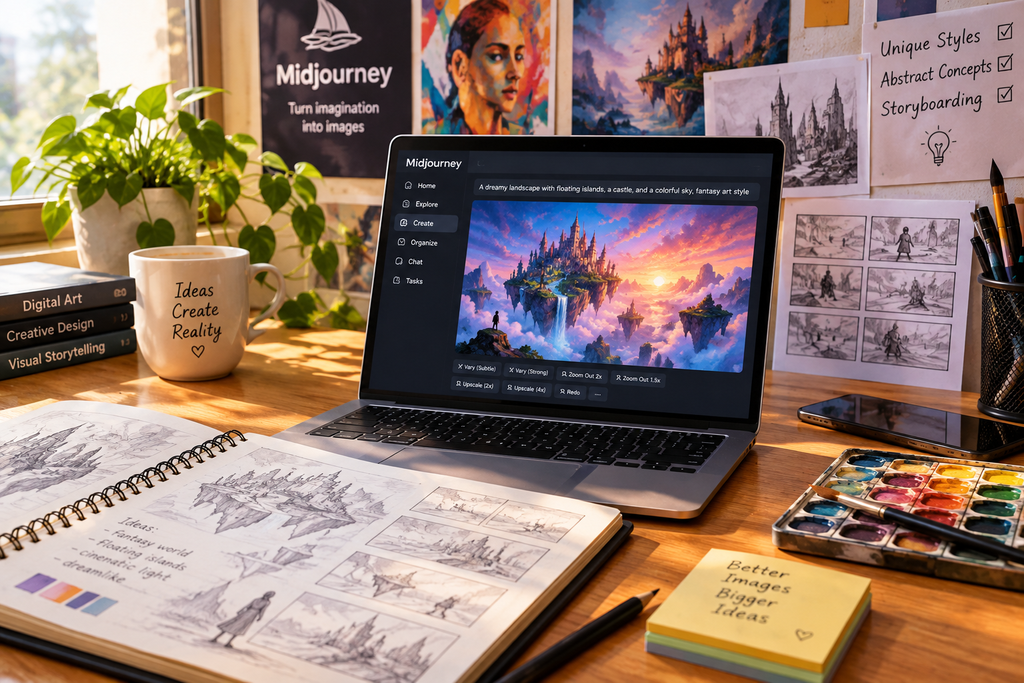
Midjourney is known for its distinctive look. If you want imaginative, stylized, or abstract visuals, it is one of the strongest options available. Many artists and designers choose it specifically because its images often feel crafted rather than generic.
Key strengths:
- Abstract and conceptual imagery: It handles unusual ideas and dreamlike scenes especially well.
- Unique aesthetic styles: Its output has a recognizable artistic quality that stands out from more photographic tools.
- Storyboarding and brainstorming: It is excellent for exploring visual directions quickly, building mood boards, and sketching out scenes before a project begins.
Midjourney rewards experimentation. Small changes to a prompt can create dramatically different moods, so it works well as a creative partner for idea generation.
Things to consider:
Its strength is style, not strict realism or precise text. If you need exact lettering or tightly controlled realism, a different tool may fit better.
Best for:
: Artists, designers, writers, and concept creators who prioritize style over strict realism.
4. Canva Magic Media: Best for Beginners
Canva’s AI image generator, Magic Media, is the easiest place to start. It has a clean, simple interface, and you can drop generated images straight into your designs. There is no need to export, rename, and re-upload files between separate programs.
Key strengths:
- Beginner-friendly interface: The no-frills layout means there is almost no learning curve.
- Direct design integration: Images go directly into presentations, social posts, flyers, and other design projects.
- All-in-one workflow: You can generate an image and finish the full design in the same place, without extra software.
For a small business owner who needs a quick Instagram post or a student building a presentation, Magic Media removes friction. You describe the image, place it in your layout, add text, and publish.
Things to consider:
Beginner simplicity means fewer advanced controls than power-user tools offer.
Best for:
Beginners, small business owners, students, teachers, and social media creators.
5. FLUX and Stable Diffusion (e.g., Juggernaut): Best for Customization and Control
FLUX and Stable Diffusion models, including community versions such as Juggernaut, give you the most control of any option here. They take more effort to learn, but they reward that effort with finer, more tailored results.
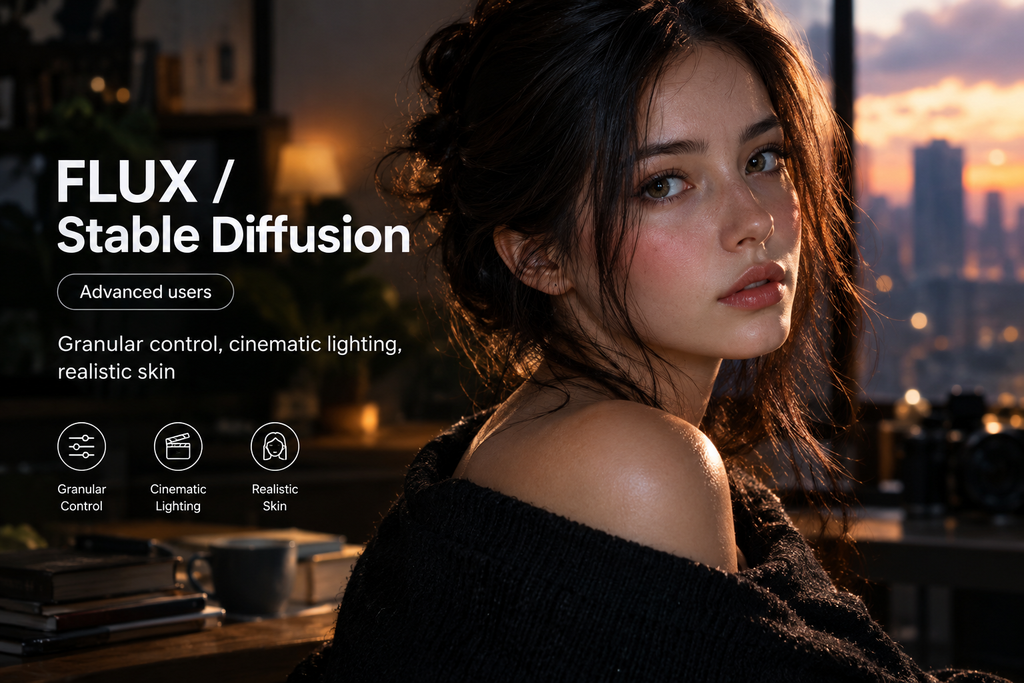
Key strengths:
- Granular control: You can fine-tune details far beyond what simple prompt-based tools allow.
- Cinematic lighting: These models can produce dramatic, film-style lighting and atmosphere.
- Realistic skin textures: Community-trained versions are especially popular for lifelike portraits.
Because these models are flexible and widely customizable, developers and advanced creators can adapt them to specific styles, workflows, and projects. That freedom is the main reason they remain popular even though easier tools exist.
Things to consider:
The learning curve is steeper, and setup can be more technical. Check the license terms of each specific model before using its images commercially.
Best for:
Advanced users, developers, and creators who want to fine-tune every part of the output.
How to Choose the Right AI Image Generator
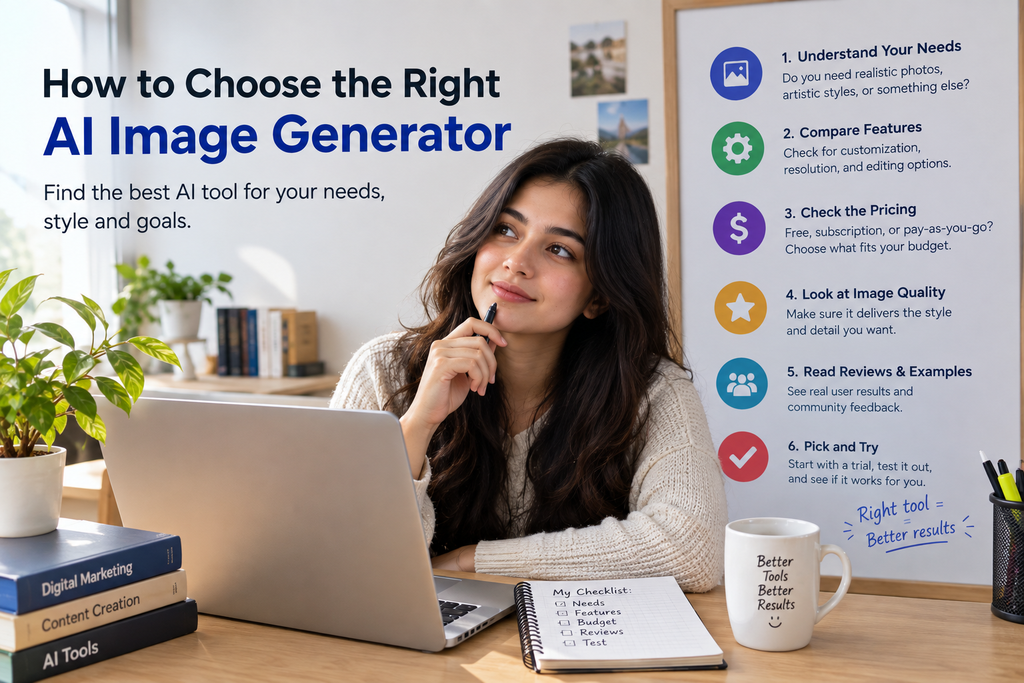
If you are still unsure, use this simple decision guide:
- Want the best all-rounder? Choose Nano Banana Pro.
- Need images that are safe for business use? Choose Adobe Firefly.
- Want artistic, stylized visuals? Choose Midjourney.
- Just starting out? Choose Canva Magic Media.
- Want full control over every detail? Choose FLUX or Stable Diffusion.
Many professionals do not rely on a single tool. A common approach is to brainstorm ideas in Midjourney, produce polished final graphics in Nano Banana Pro, and assemble finished designs in Canva. Mixing tools lets you use each one where it is strongest.
Which Tool for Which Job?
Here is how the tools line up with common real-world tasks.
Blog featured images:
Nano Banana Pro or Canva Magic Media. Both produce clean visuals quickly, and Canva lets you add titles right away.
Social media posts and thumbnails:
Nano Banana Pro for text-heavy graphics, or Canva for fast design-ready layouts.
Client and brand projects:
Adobe Firefly, because of its commercially safe training approach.
Concept art and storyboards:
Midjourney, for its imaginative style and speed of idea generation.
Comics, mascots, and story series:
Nano Banana Pro, thanks to its character consistency.
Custom portraits and cinematic scenes:
FLUX or Stable Diffusion models, where you can control lighting and detail.
Tips for Getting Better AI Images
Even the best tool produces weak results from a vague prompt. These habits improve almost every generator’s output.
- Be specific. Describe the subject, setting, mood, and style. “A golden retriever puppy on a wooden porch at sunrise, warm tones” beats “a dog.”
- Mention lighting. Terms like “soft natural light,” “golden hour,” or “cinematic lighting” change the result noticeably.
- Describe the composition. Say whether you want a close-up, wide shot, or overhead view.
- Iterate. Refine your prompt a few times instead of settling for the first image. Small edits often make a big difference.
- Keep text short. When asking for words inside an image, use brief phrases for the cleanest results.
- Check usage rights. Always review each tool’s terms before using images commercially, especially for ads, products, or client work.
Common Mistakes to Avoid
Many people get disappointing results because of avoidable errors.
Using one tool for everything:
Each generator has strengths. Matching the tool to the task saves time.
Ignoring copyright:
Publishing images without understanding the terms can cause problems later, particularly for businesses
Writing very short prompts:
One or two words leave too much to chance. Add detail about style, mood, and setting.
Accepting the first result:
The best images usually come after a few rounds of refinement.
Skipping a final review:
Always check images for strange details, such as distorted hands or garbled text, before publishing.
Frequently Asked Questions:
What is the best AI image generator overall?
Nano Banana Pro (Google Gemini) is considered the best overall for its realistic details, text rendering, and character consistency.
Which AI image generator is safest for commercial use?
Adobe Firefly, because it is trained on licensed stock and public domain content.
Which AI image generator is best for beginners?
Canva’s Magic Media, thanks to its simple interface and built-in design tools.
Which AI image generator is best for art?
Midjourney, which excels at abstract concepts and distinctive visual styles.
Which AI image generator gives the most control?
FLUX and Stable Diffusion models, which suit advanced users who want detailed customization.
Can AI image generators put text inside images?
Yes. Nano Banana Pro is especially strong at rendering complex text in graphics.
Can I use more than one AI image generator?
Yes. Many creators combine tools, for example brainstorming in Midjourney and finishing designs in Canva.
Final Verdict
There is no single best AI image generator for everyone. Nano Banana Pro is the strongest overall choice, thanks to its realism, text rendering, and character consistency. Adobe Firefly is the safest pick for commercial work. Midjourney leads for artistic creativity. Canva Magic Media is the friendliest starting point. FLUX and Stable Diffusion give advanced users unmatched control.
Start with the tool that matches your main goal, test it with a few detailed prompts, and add a second tool if your needs vary. With the right match, you can produce professional-looking images in minutes.
Features and pricing change quickly, so check each tool’s official site for the latest details.